Headmates
A second device
Your system can live on two phones at once: the same identity, the same friends, and one record both keep. Edits on one phone reach the other; a message you send from either comes from you.
Handing over from this phone
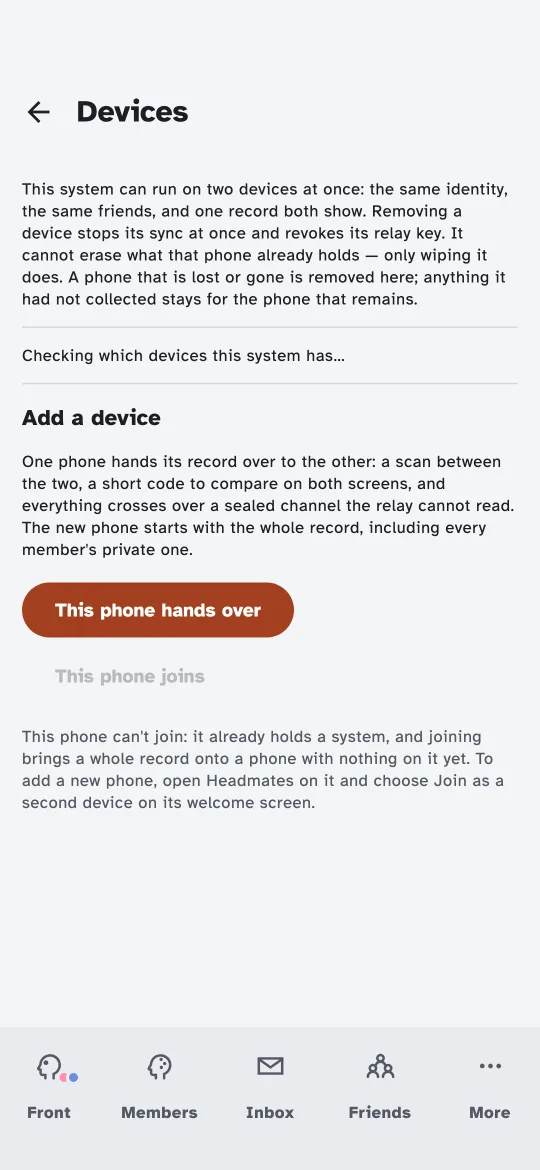
On the phone that already has your system, open More → Devices and choose This phone hands over. It shows a QR code carrying an invite, sealed so the relay can't read it.
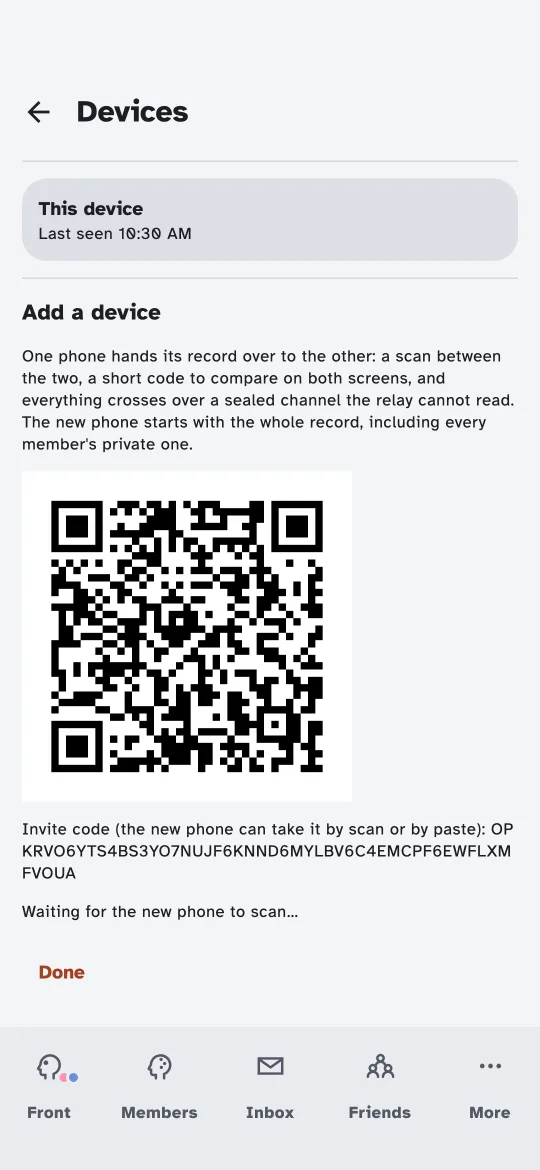
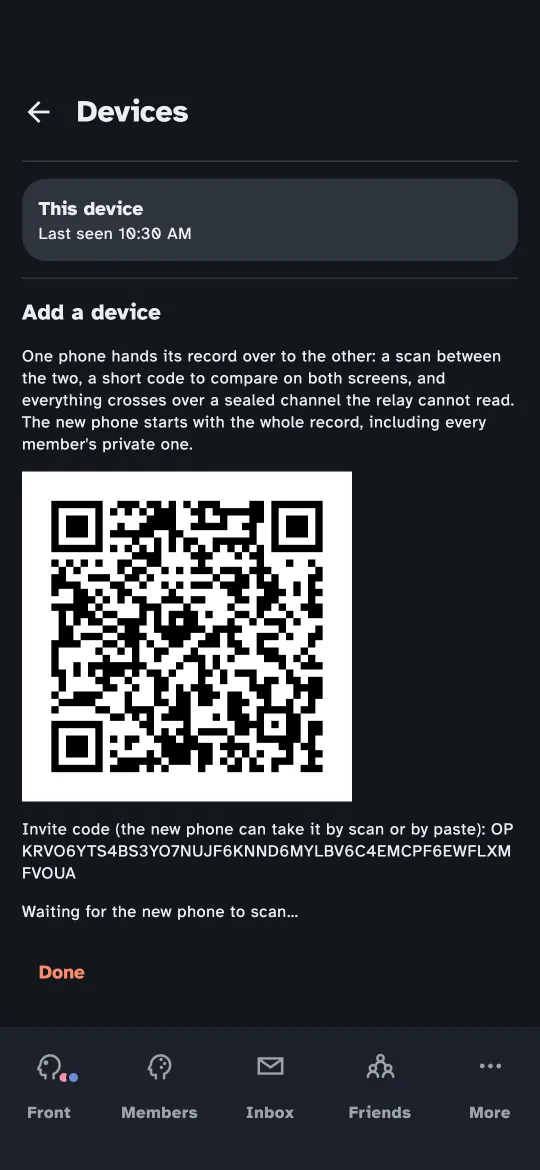
Scan it with the new phone (or read the code aloud and paste it there). Both phones then show a short code to compare — this is the check that no one is sitting in the middle. Only when the codes match does the sending phone offer to send the record.
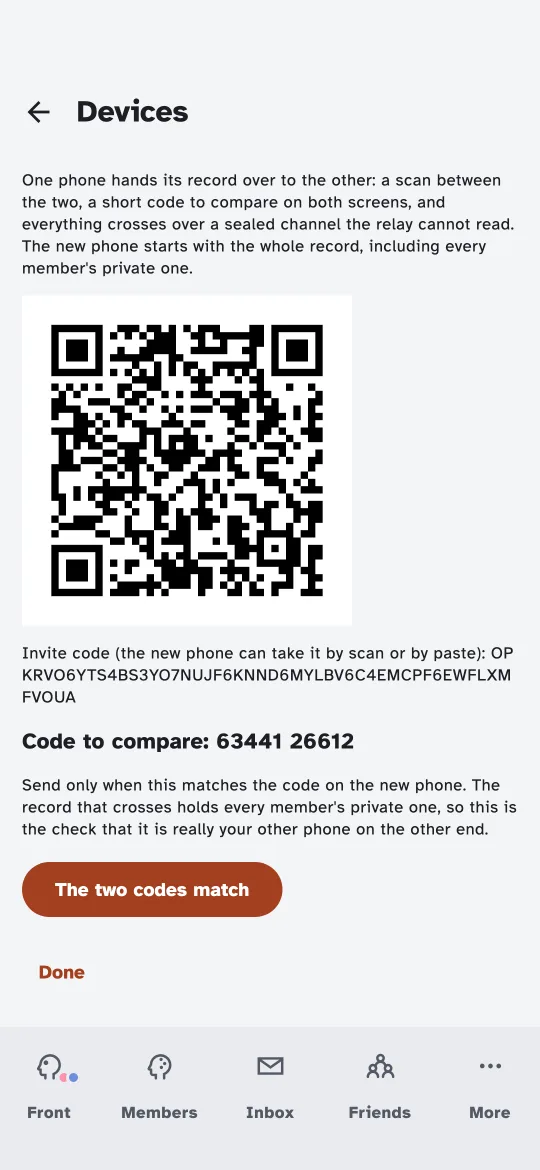
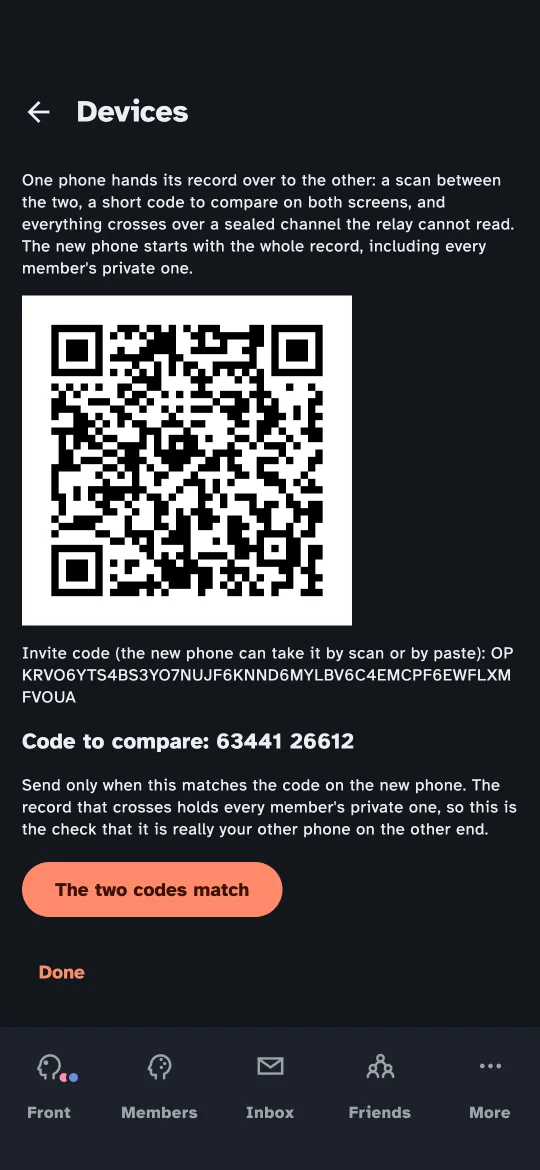
The record crosses over its own sealed channel: every member's file, your friends and their keys, chats, front history, the journal. Large systems take a while; both phones say how far along it is.
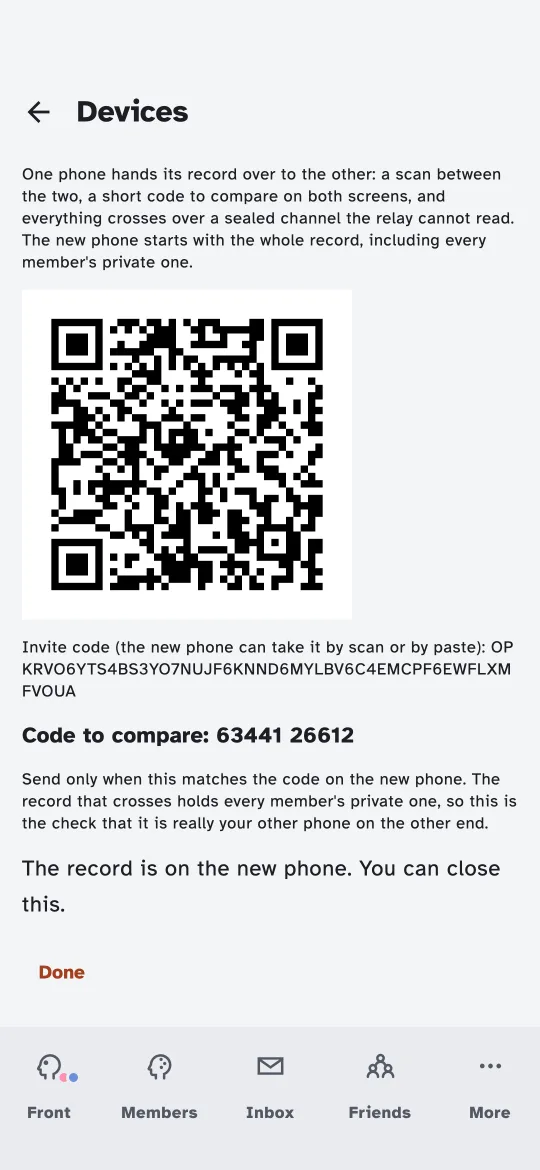
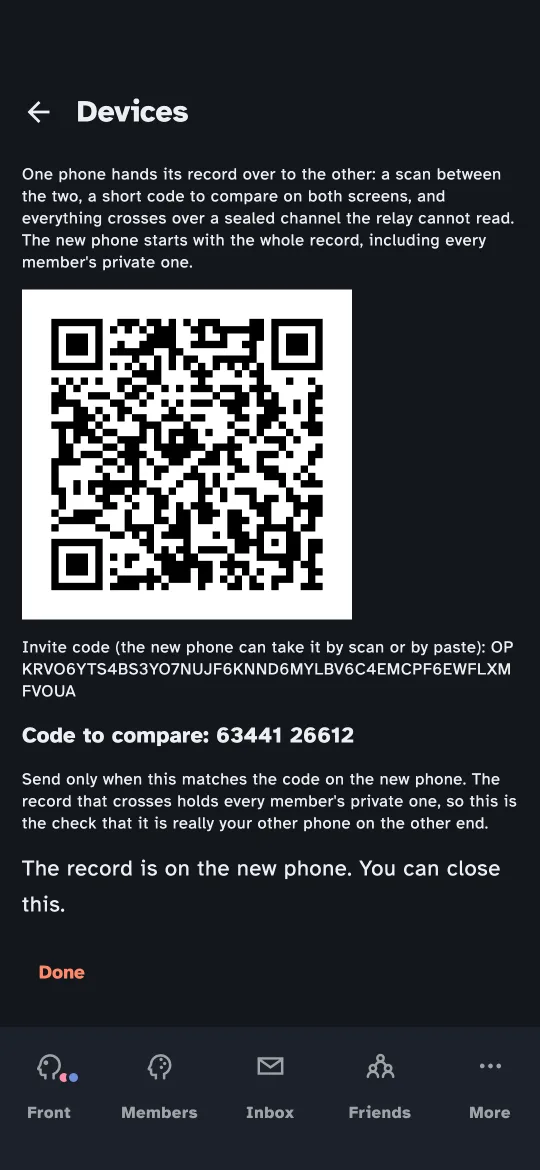
If the other phone never comes through, or the transfer stops, the sending phone says which step failed and nothing is half-moved. Try again from the top.
Joining as a second device
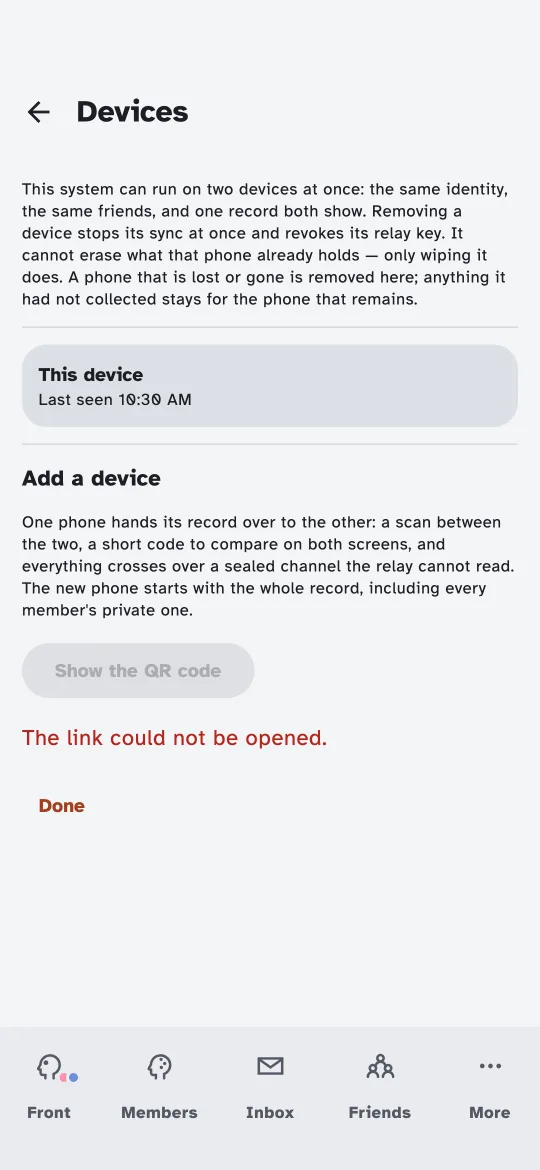
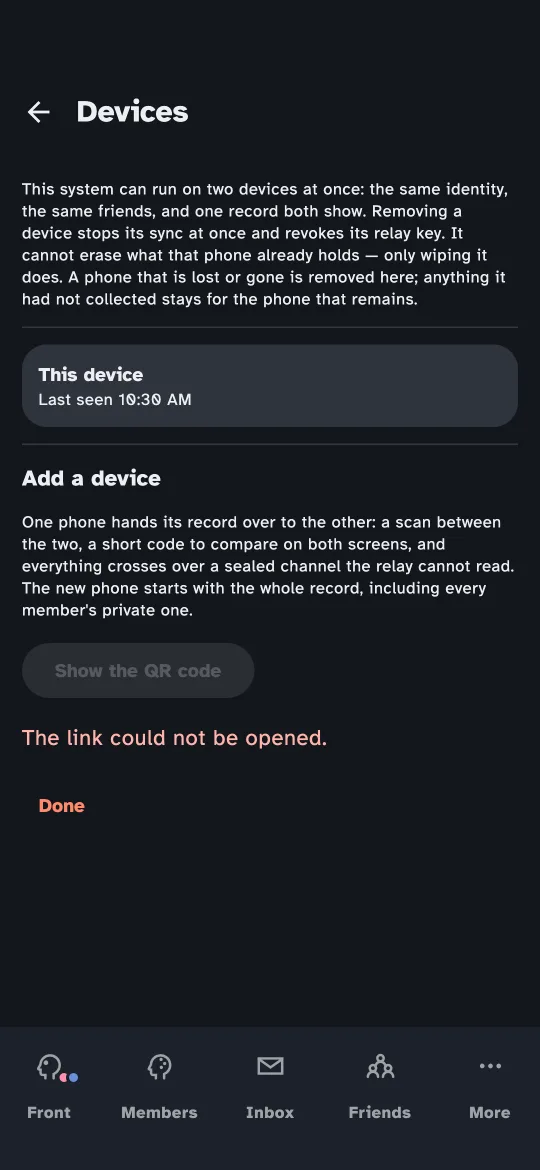
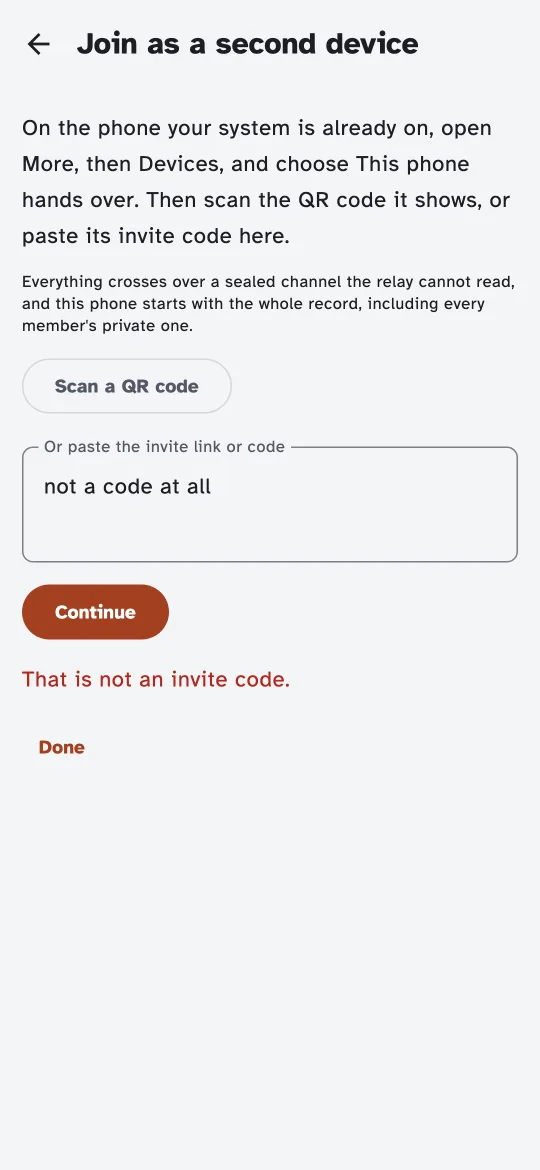
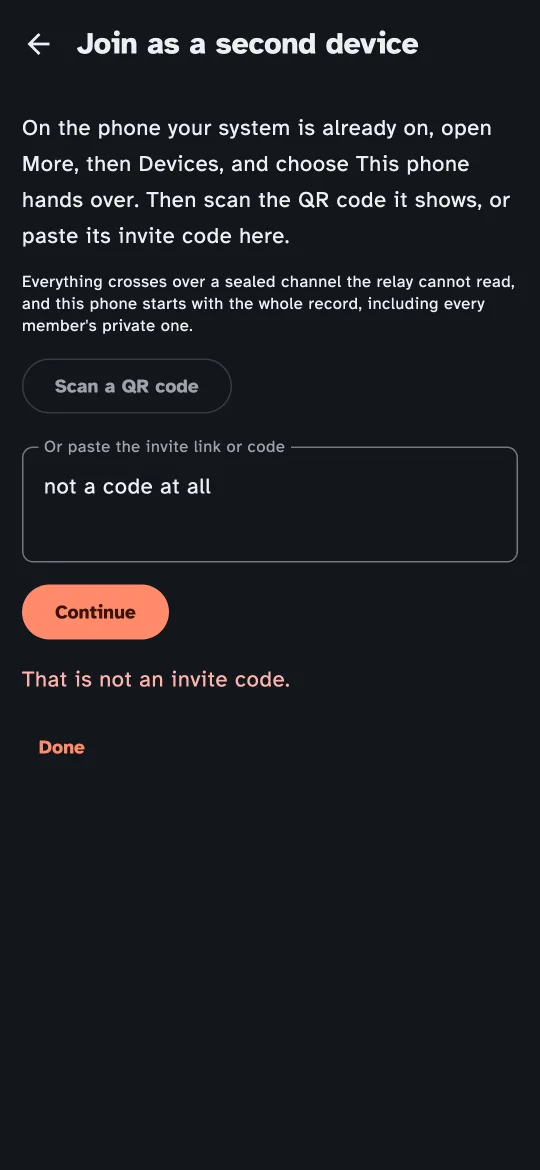
On the new phone, the welcome screen's Join as a second device does the other half. Scan the QR code the old phone shows, or paste its invite link or code.
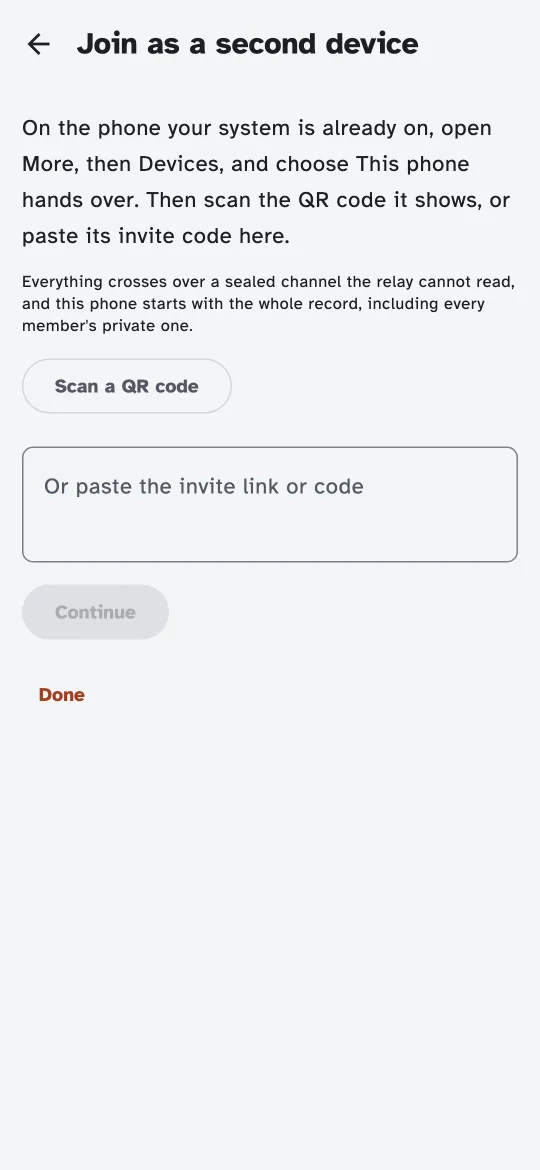
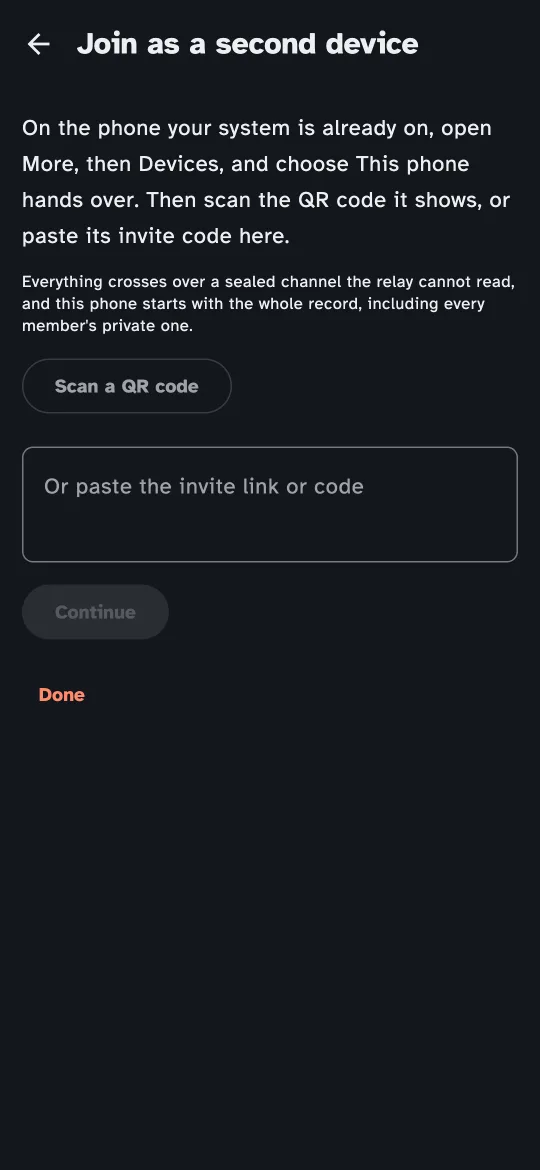
While it waits for the other phone, it says so; when the short code appears, compare it with the old phone before anything crosses.
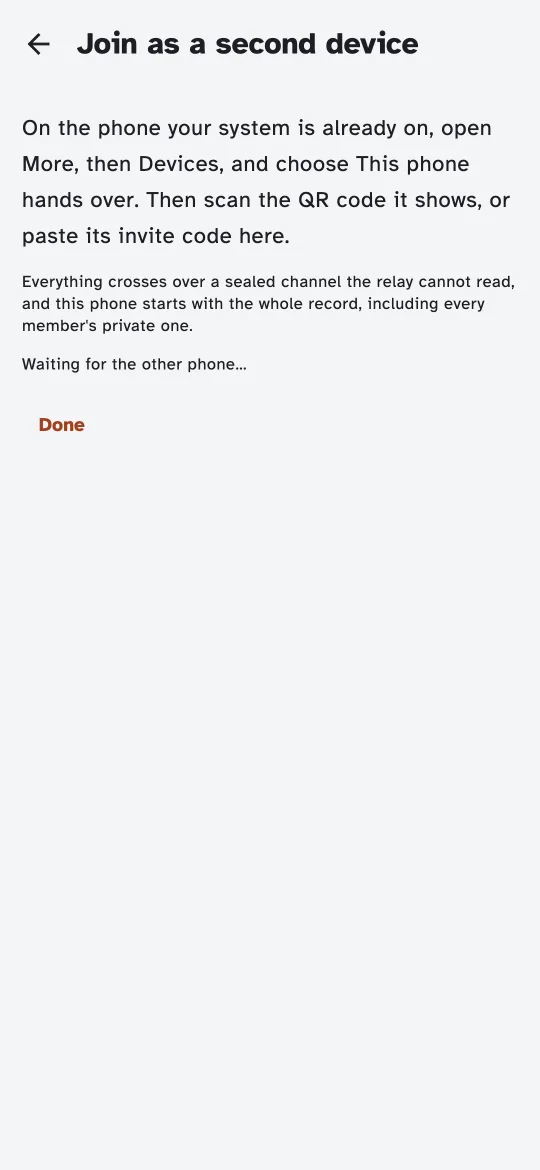
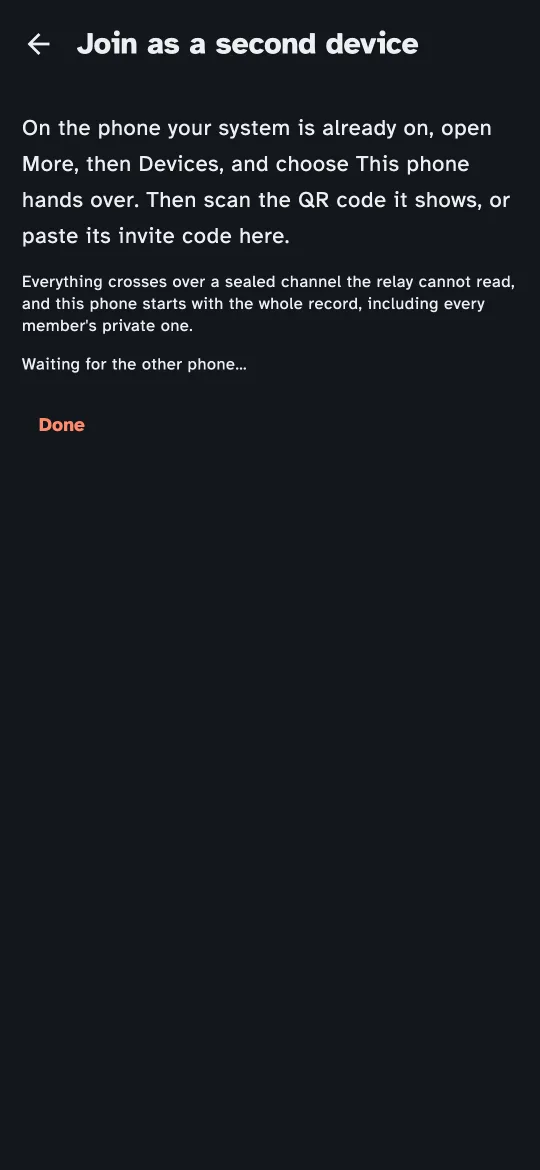
A code that can't be used says so without guessing at why, and the record that doesn't come through leaves the phone as it was.
The Devices list
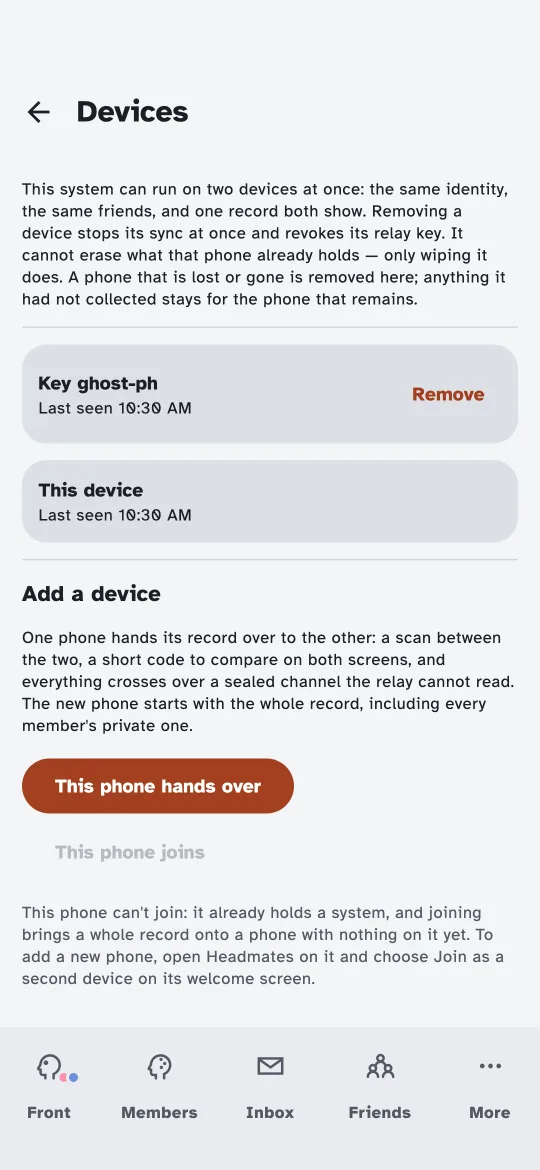
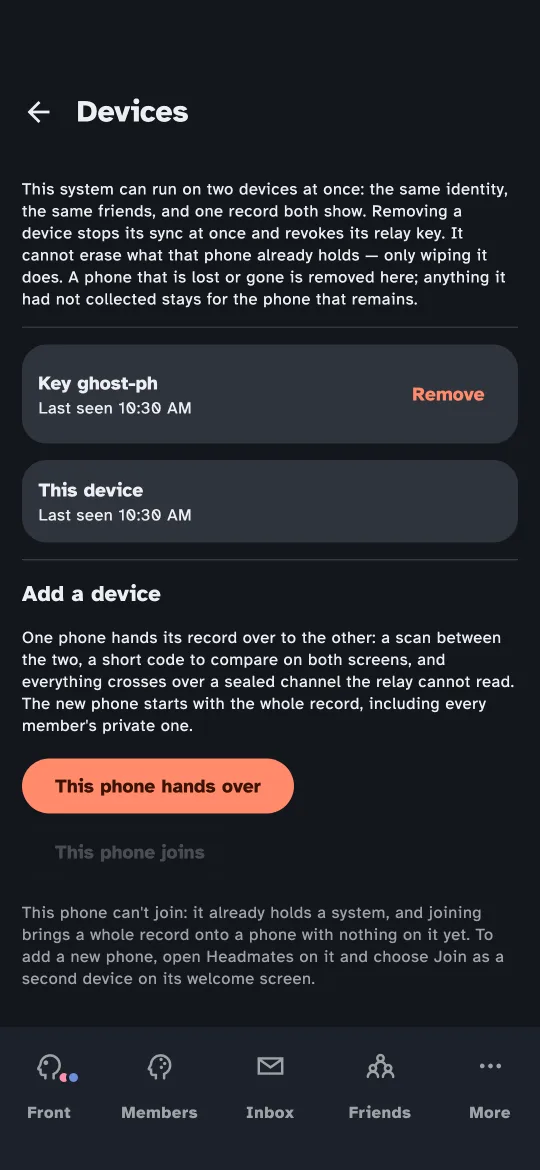
More → Devices lists every phone on the system, with its key and when it was last seen. This phone is always first.
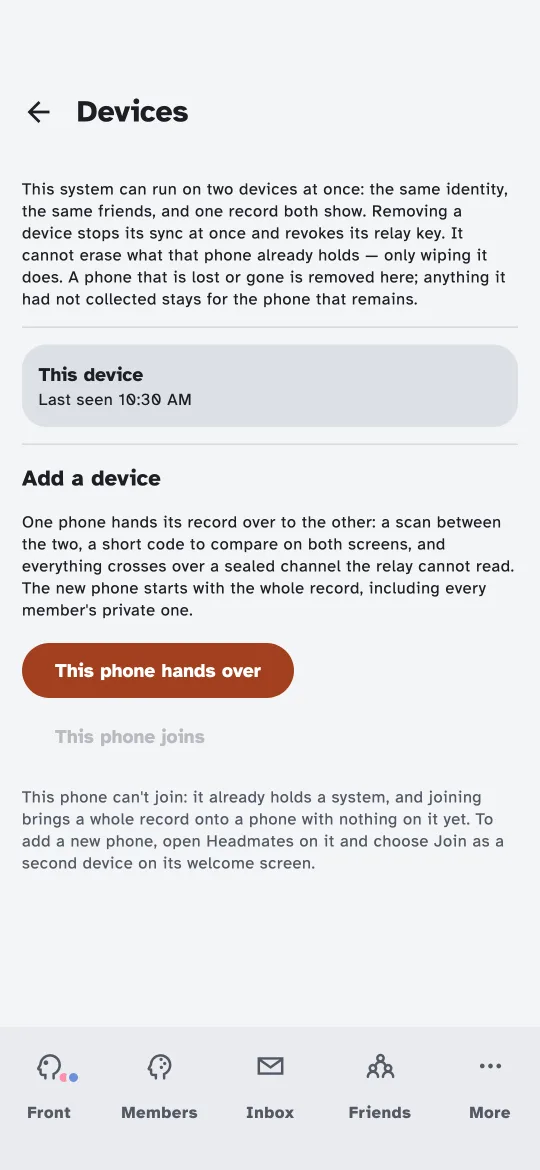
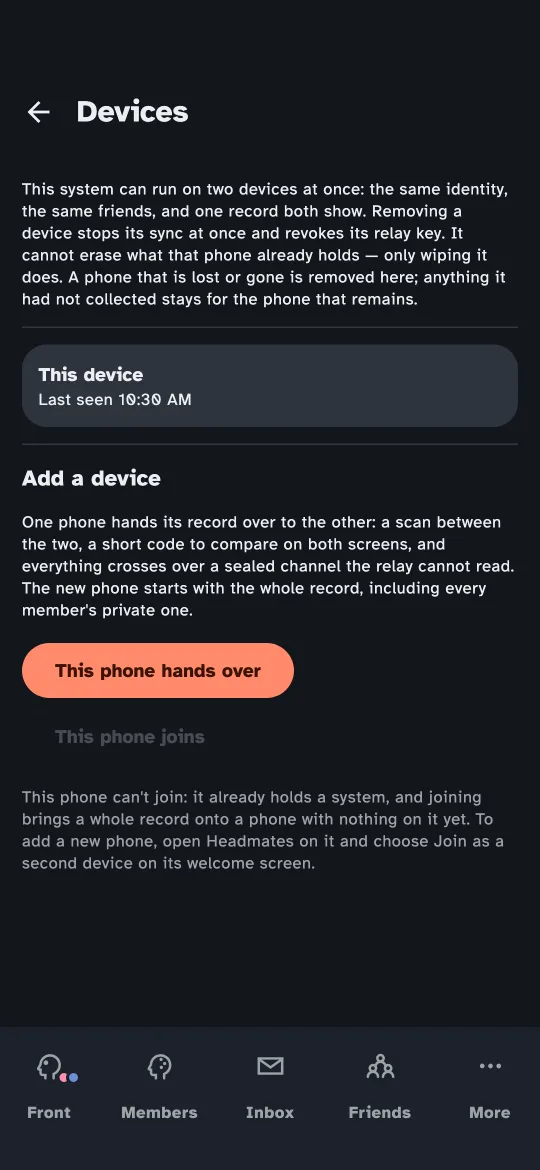
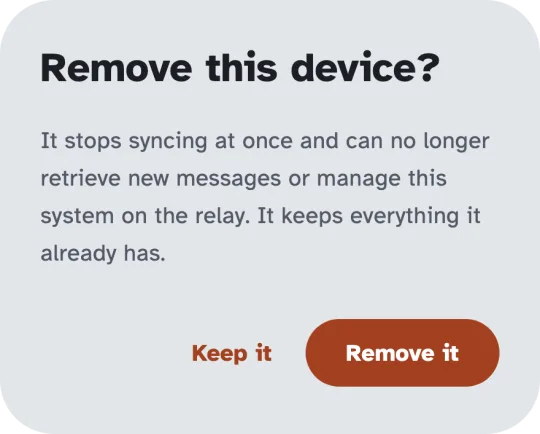
Remove stops a device's sync at once and revokes its key. It can't erase what that phone already holds — only wiping that phone does.
If the relay can't be reached, the list still shows what is known and says it couldn't check just now.