Headmates
Appearance and looks
Headmates comes in six looks. A look decides the colours, the icons, and how the Front tab draws who is here — everything about how the app feels to read.
Choosing a look
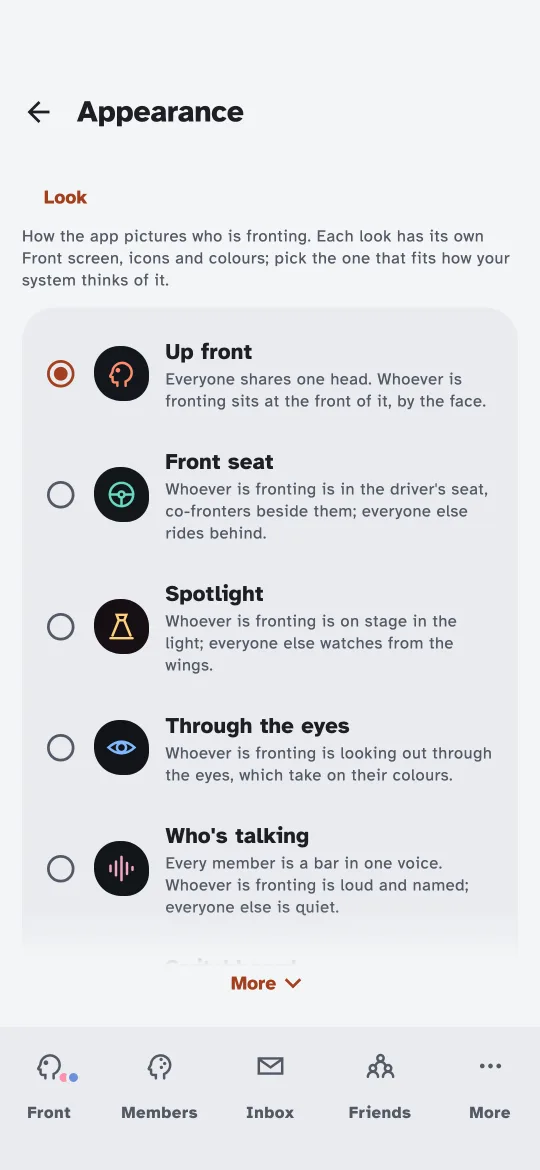
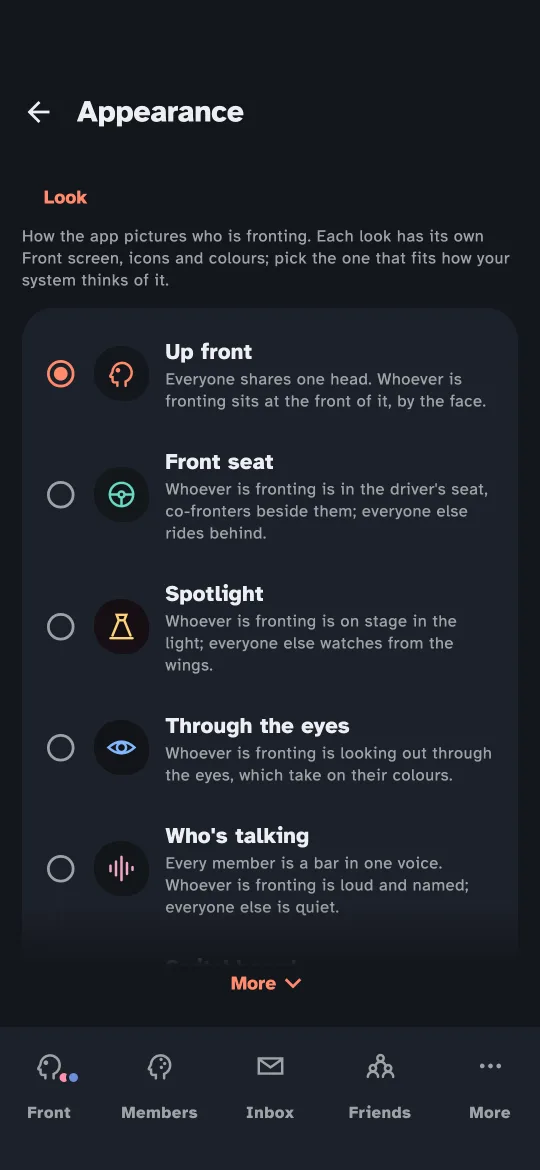
More → Appearance shows the six side by side. Tap one and the app changes everywhere at once.
- Up front — everyone shares one head, and whoever is fronting sits at the front of it, by the face.
- Front seat — whoever is fronting is in the driver's seat, co-fronters beside them; everyone else rides behind.
- Spotlight — whoever is fronting is on stage in the light; everyone else watches from the wings.
- Through the eyes — whoever is fronting is looking out through the eyes, which take on their colours.
- Who's talking — every member is a bar in one voice: whoever is fronting is loud and named, everyone else quiet.
- Switchboard — every member has a line on the board, and whoever is fronting is plugged in, with their lamp lit.
Night and day
Each look comes in Night and Day. Follow the phone keeps the app in step with the phone's dark mode; picking Night or Day yourself pins it.
Emoji
On Android™, emoji are drawn with your phone's own emoji font, so they look the same as in your other apps. Headmates doesn't fetch a newer emoji font from Google, so on an older version of Android a very new emoji can show as a blank box until the phone itself is updated.
Your system's colour and picture
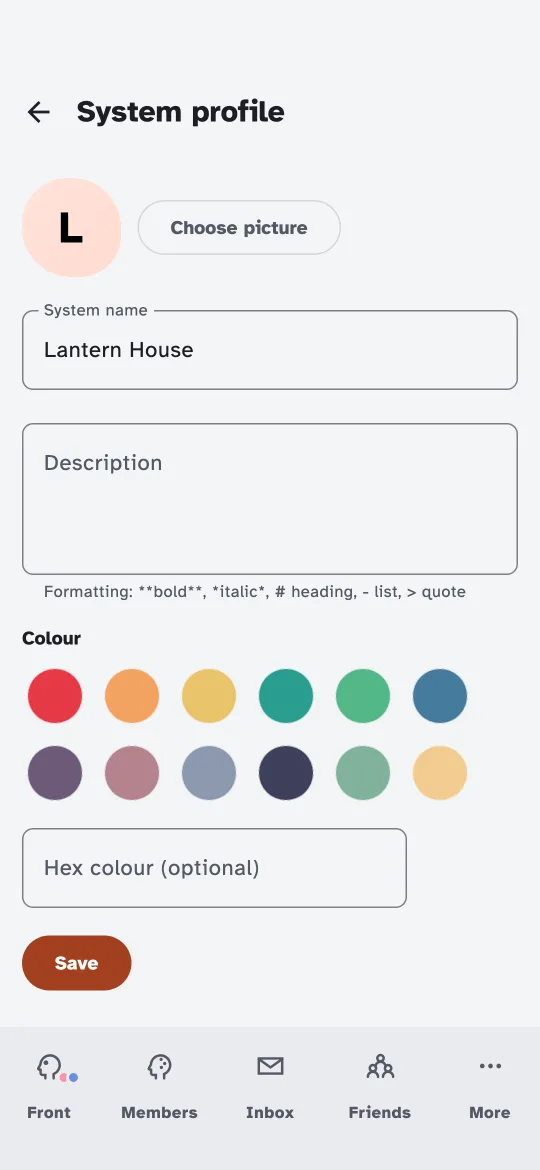
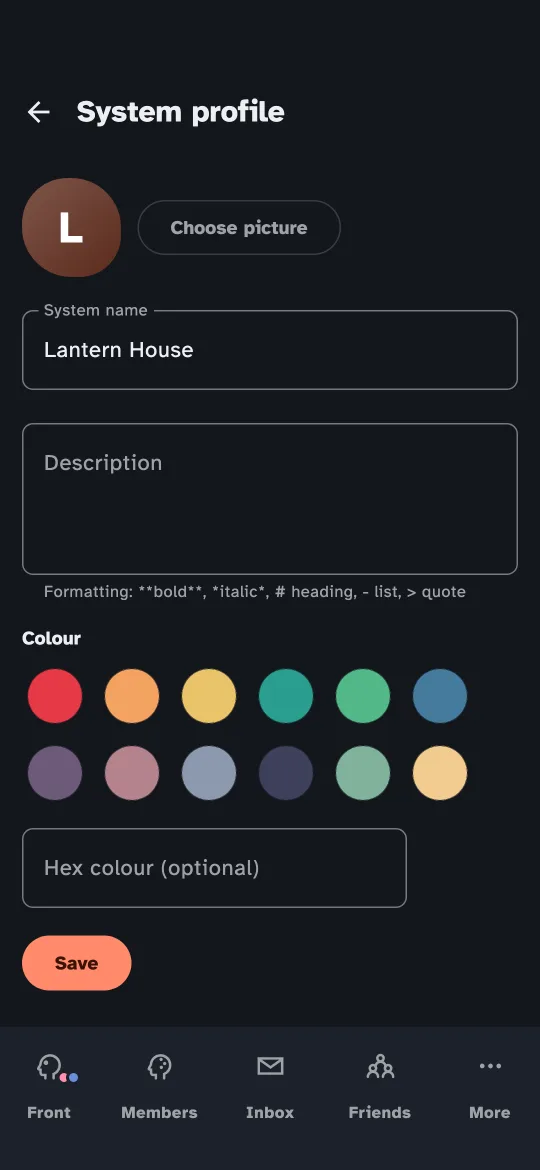
More → System profile sets the system's name, description, colour and picture — what friends see first. A member's own colour and picture live on their page; see Members and fields.
Members without a colour
A member with no colour of their own borrows the system's. Chats, front cards and history all read the same; only the tint is shared.