 Headmates
System chat, journal and polls
Three places in More are for the whole system together. They stay on your phone and are never shared with friends.
System chat
More → System chat is a shared noticeboard for everyone in the system.
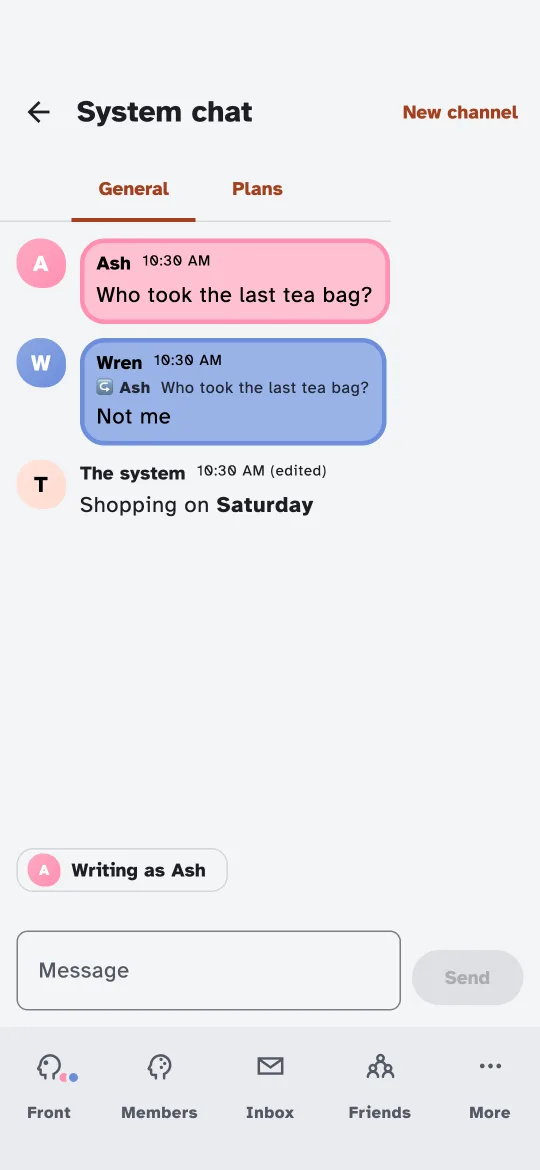
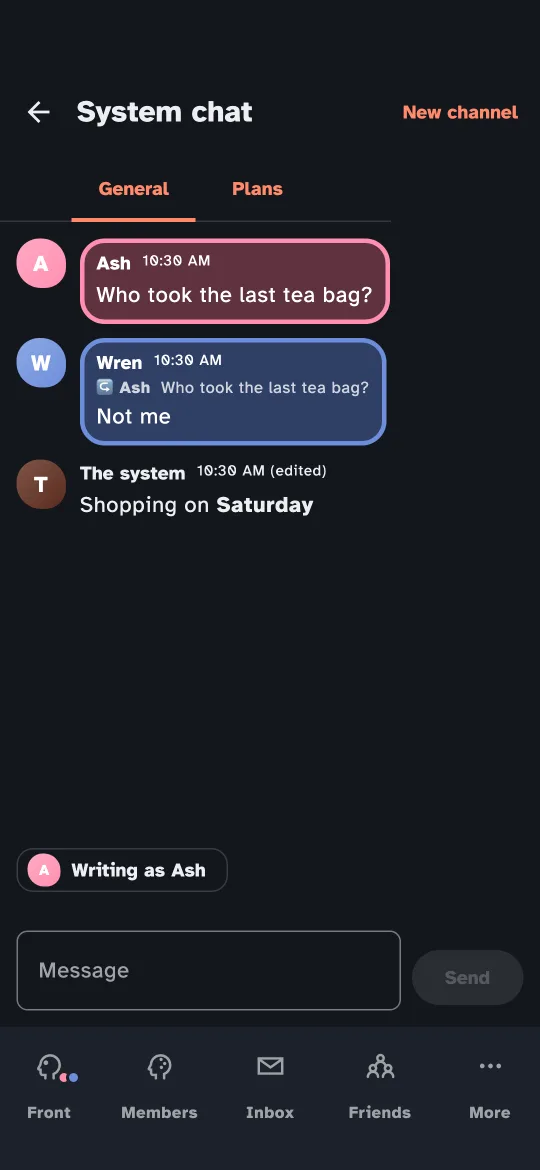
Conversations are kept in channels: New channel adds one, and the tabs at the top switch between them.
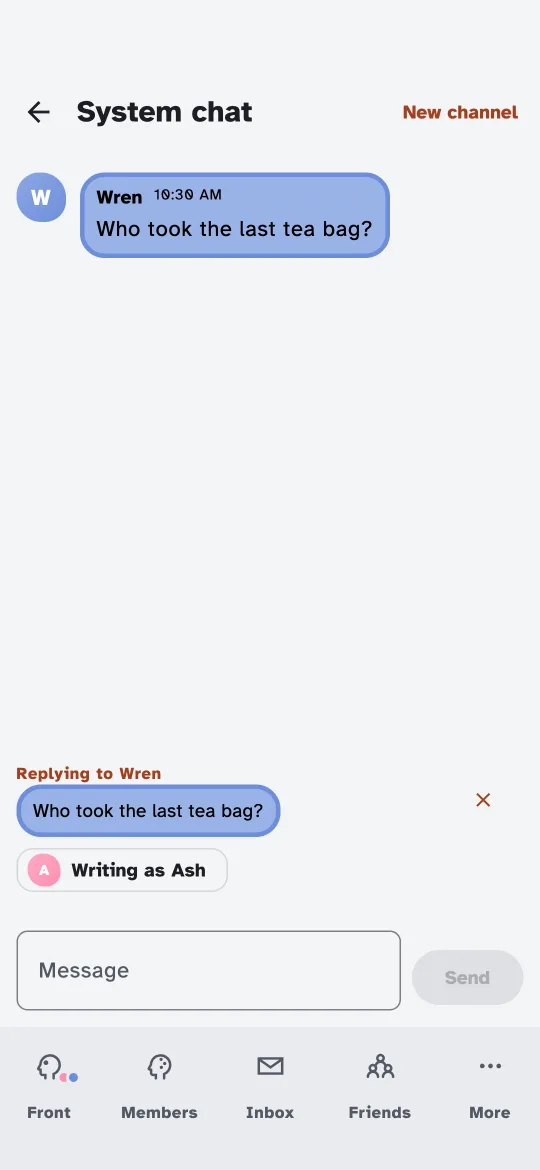
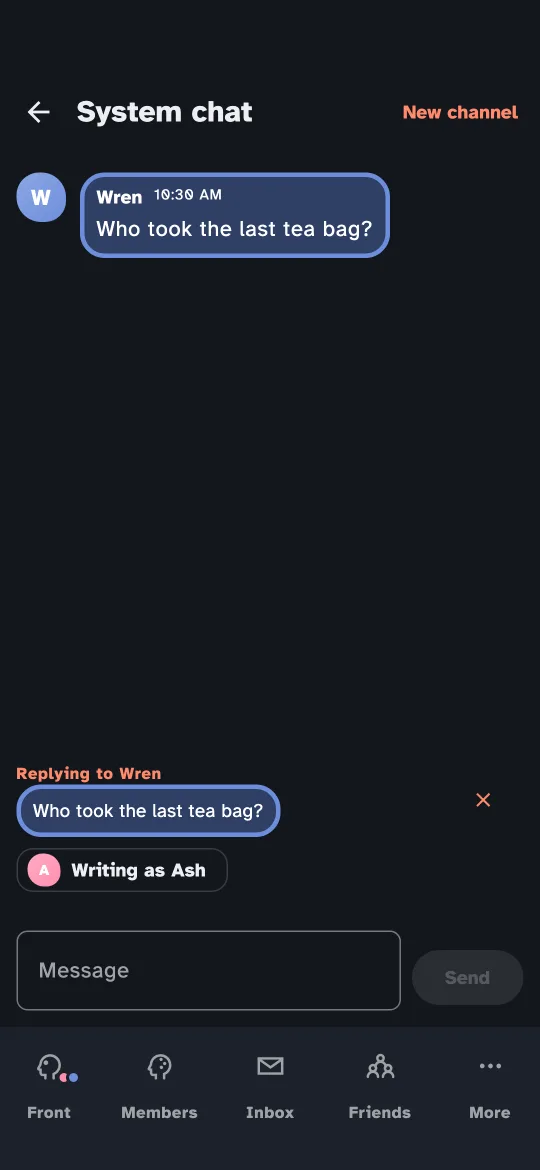
Messages are written as whoever is chosen in Writing as (whoever is fronting, to begin with), or as the system itself. Messages can use the same simple formatting as other chats. Tap a message to reply to it, edit it, or delete it; an edited message says so.
Journal
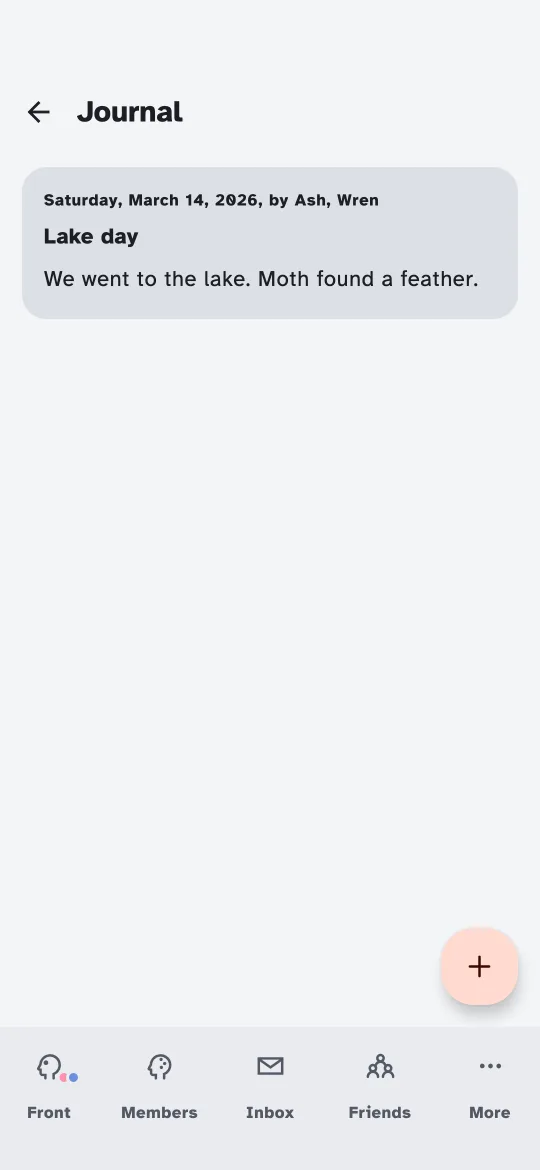
Journal entries have a date, an optional title, the members who wrote them, and text with simple formatting. New entries start as written by whoever is fronting; Who wrote this? changes that.
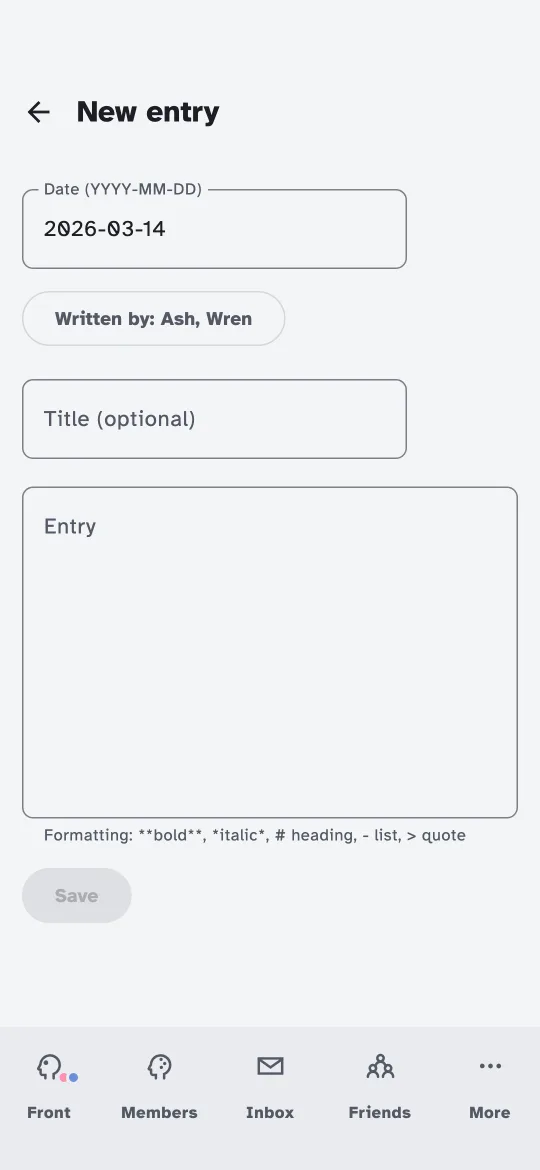
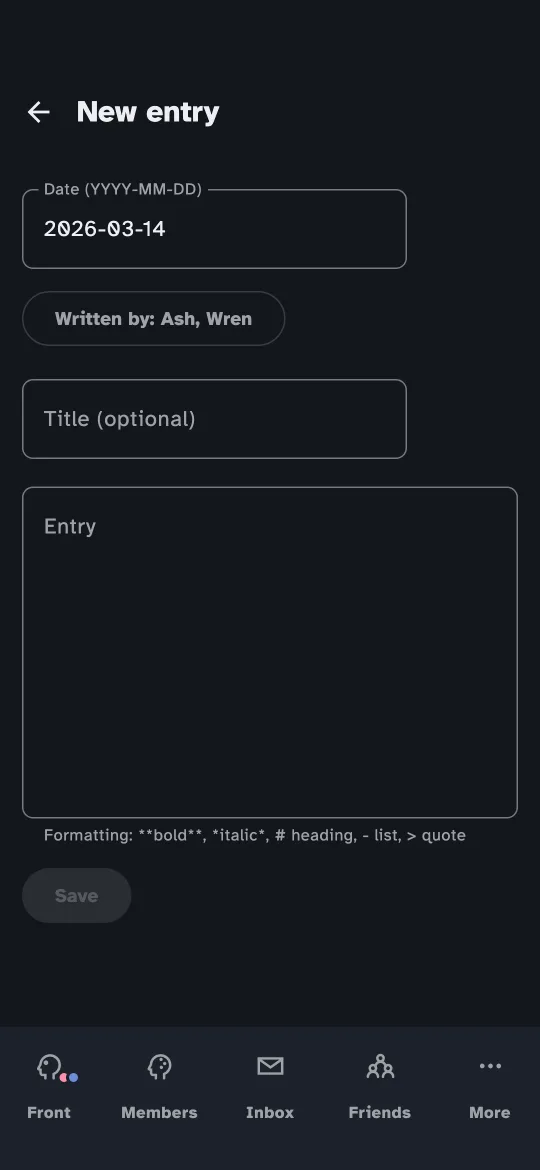
Tap an entry to edit or delete it.

Polls
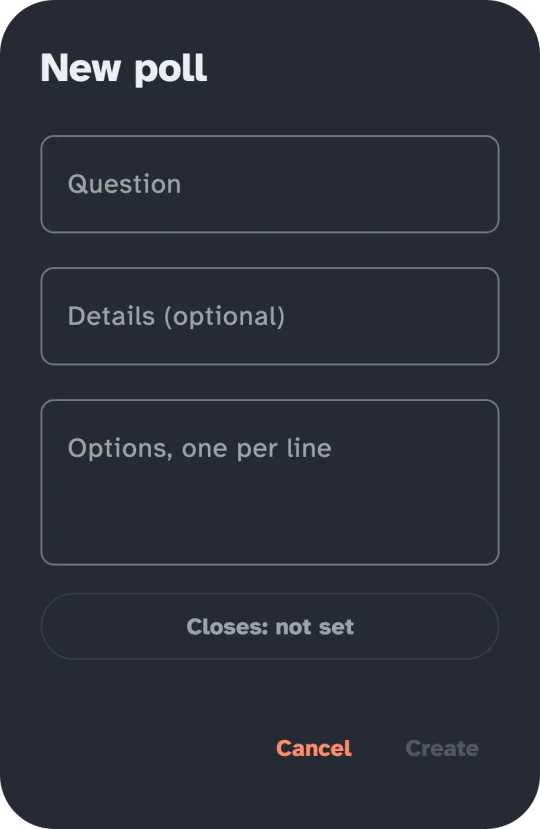
Polls let the system decide together. A poll has a question, optional details, two or more options, and optionally a time when voting closes.
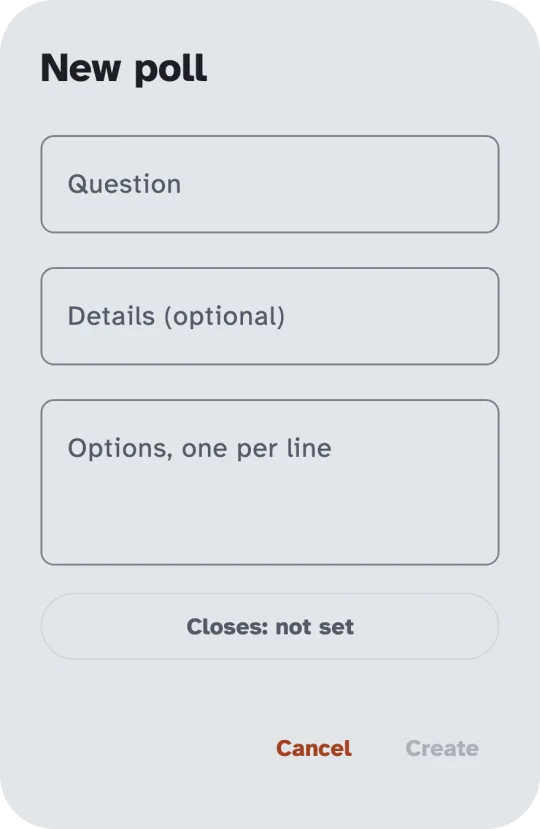
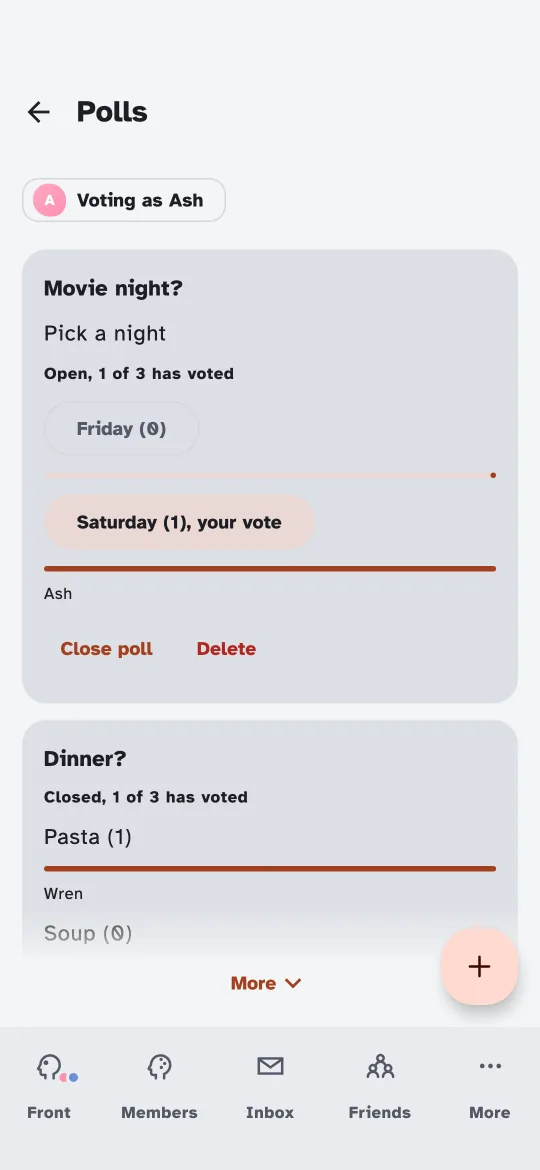
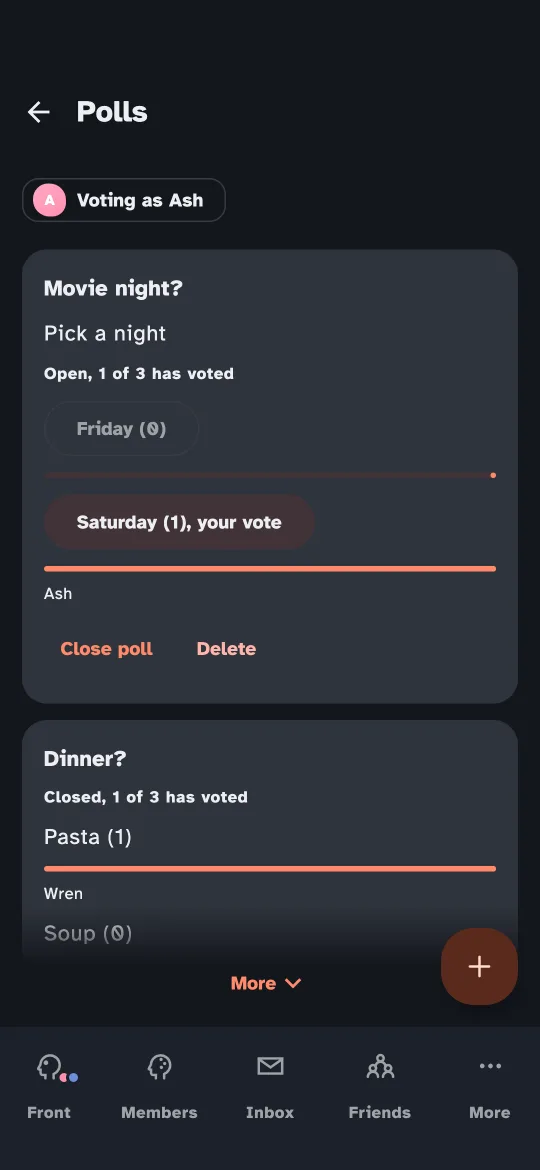
Votes are cast as whoever is chosen in Voting as; tap your vote again to take it back. Each poll shows how many members have voted and, once you have voted, who chose what. Close poll ends voting early.
Some decisions are made as polls automatically: blocking or unblocking another system, and muting or unmuting a friend's member's notices. They take effect once more than half of your system's members vote yes.