Headmates
Locks and PINs
A system is one body: everyone can unlock the phone. Headmates still lets each member keep things to themselves, and lets the whole app be locked.
A member's PIN
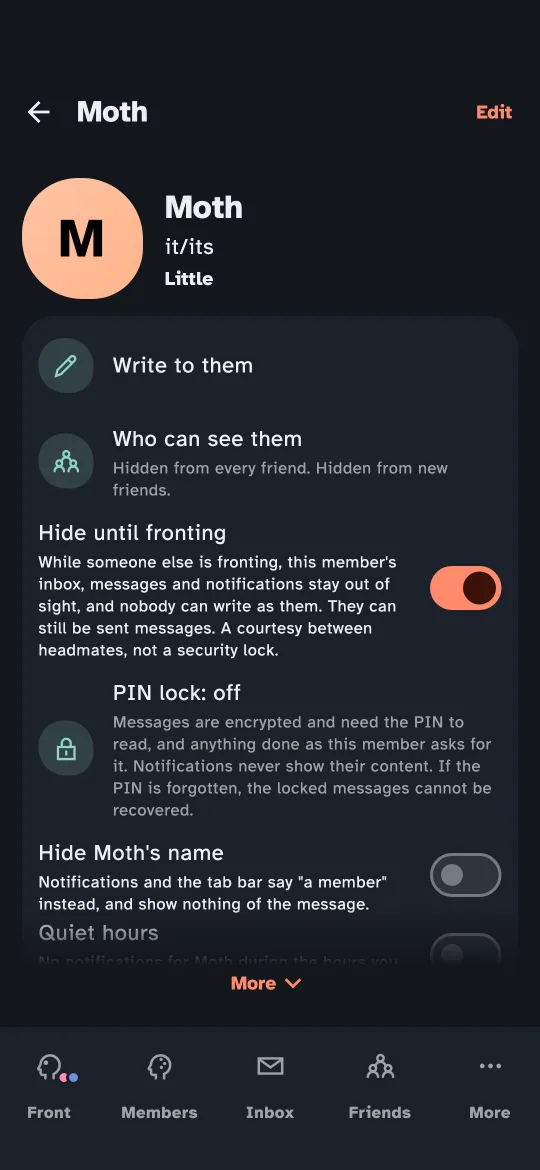
On a member's page, PIN lock: off sets a PIN of at least six digits for their inbox. Their messages are then encrypted, and anything done as them (opening their inbox or conversations, writing as them) asks for the PIN first. Notifications never show the content of their messages.
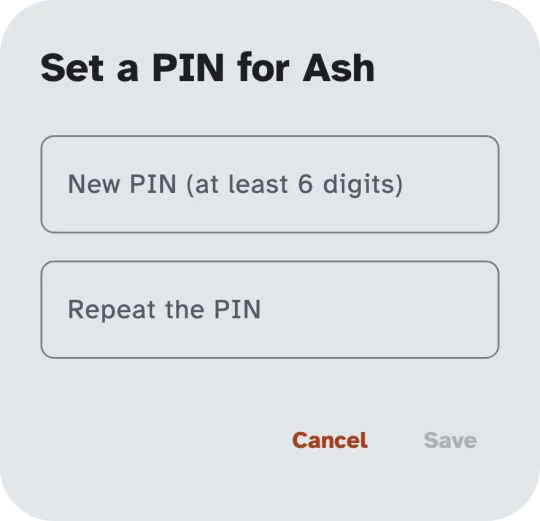
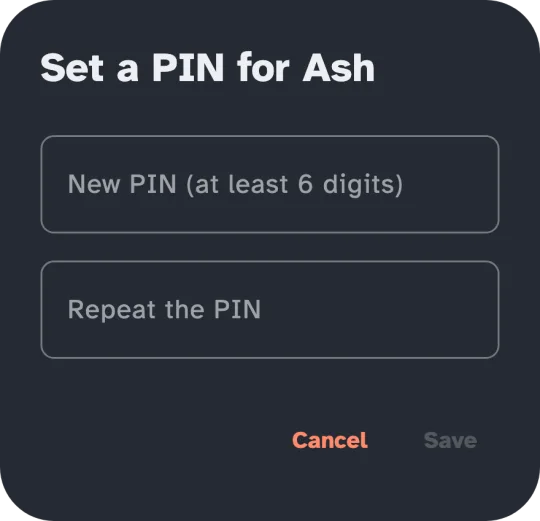
An inbox unlocked with its PIN locks again when you leave the app, or after five minutes. Lock in the inbox's top bar locks it at once.
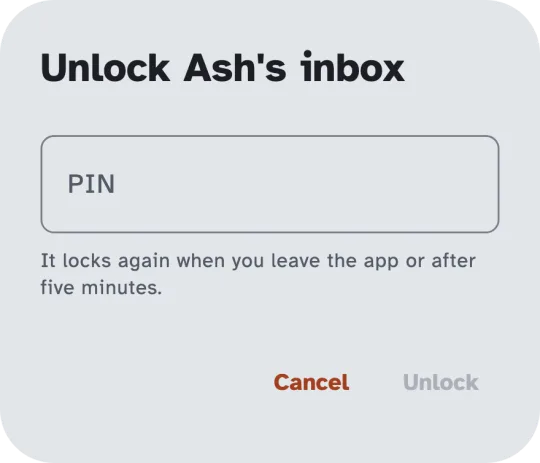
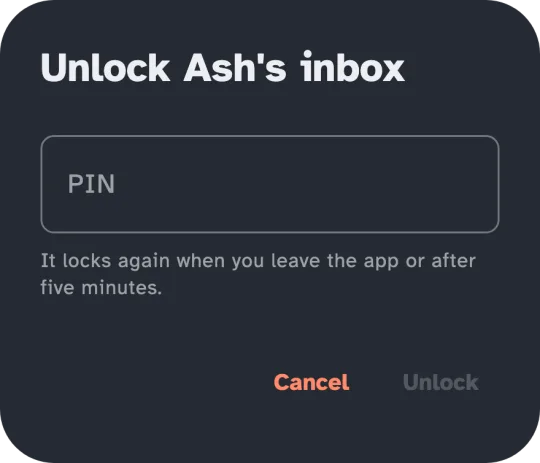
- PIN lock: on. Change PIN asks for the current PIN and a new one.
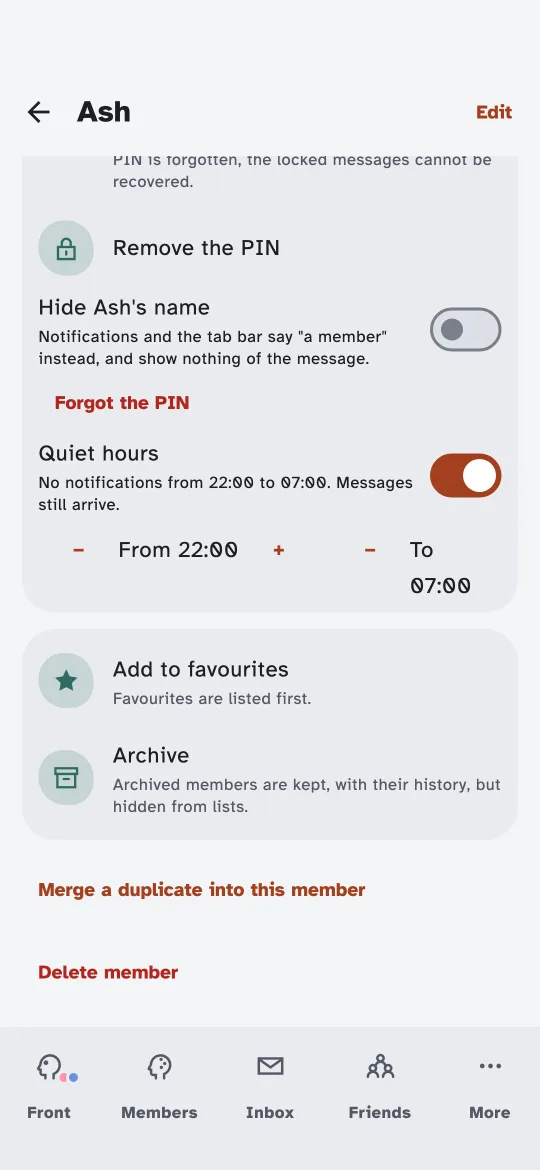
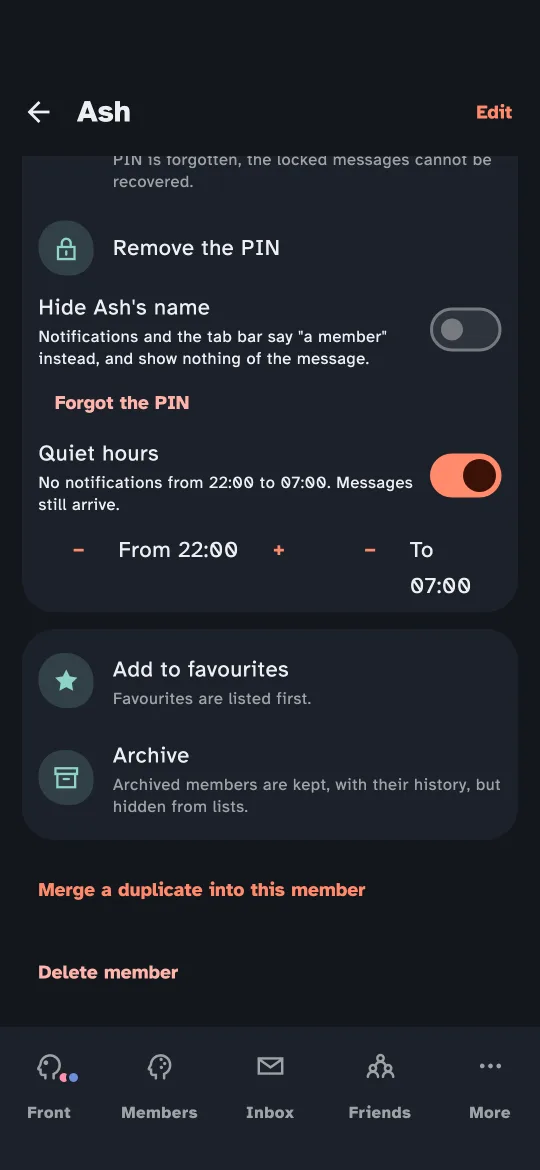
- Remove the PIN decrypts their messages again; anyone using the phone can then read them.
- Forgot the PIN resets the inbox: the locked messages are deleted, because nobody can read them without the PIN, and the PIN is removed. The inbox then says when it was reset and how many messages were lost.
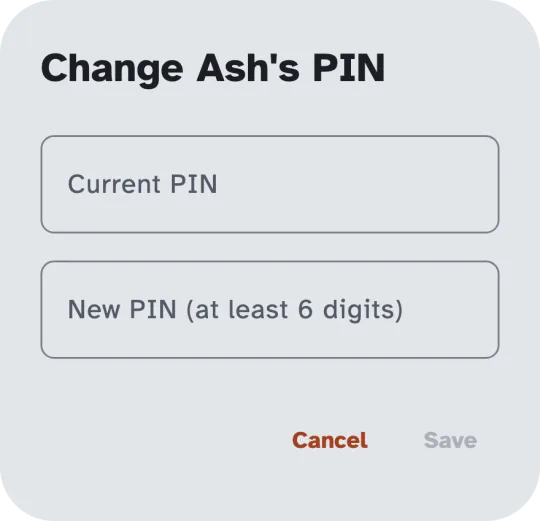
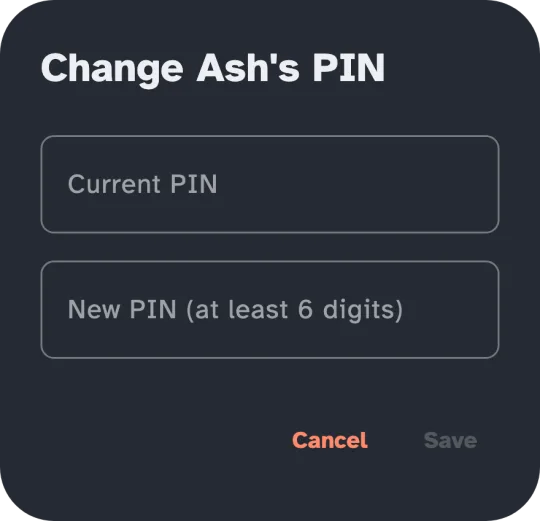
After several wrong PINs, the app makes you wait a little before trying again.
Hide until fronting
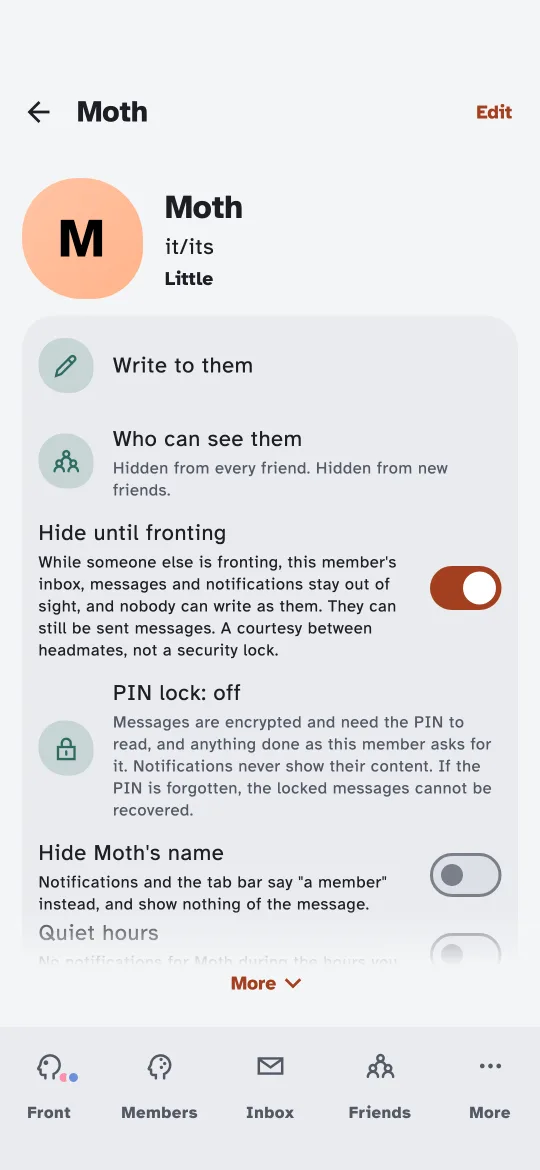
Hide until fronting keeps a member's inbox, messages and notifications out of sight while someone else is fronting, and nobody can write as them. They can still be sent messages, and are welcomed back with what arrived when they front. It's a courtesy between headmates, not a security lock.
Hide their name, and quiet hours
- Hide their name: notifications and the tab bar say "a member" instead, and show nothing of the message.
- Quiet hours: no notifications for them between two times, every day. Messages still arrive.
Locking the app
In More → Backup, app lock and screenshots:
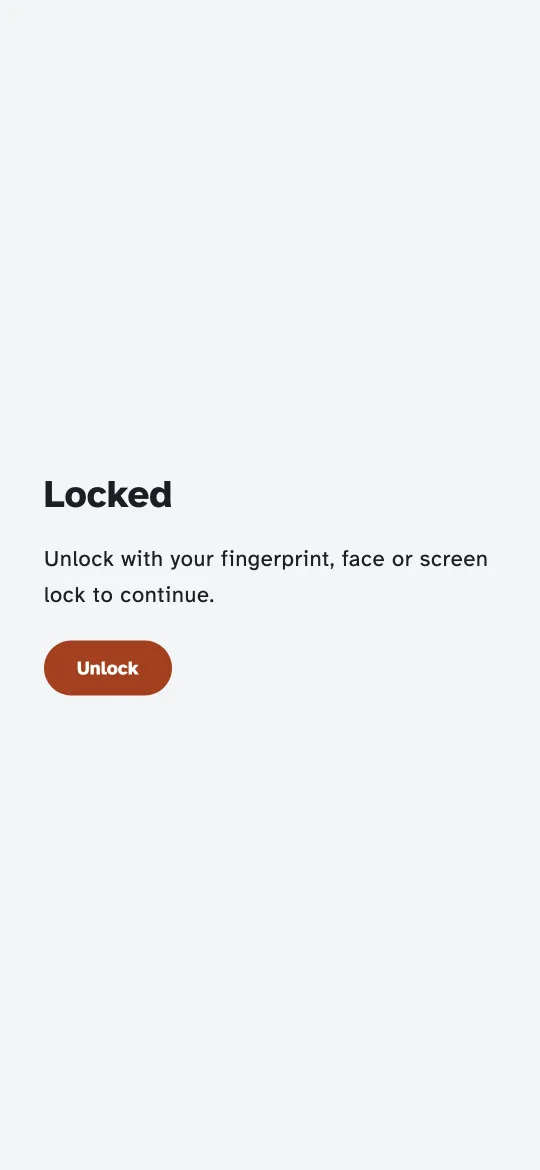
- Ask to unlock when the app opens uses the phone's fingerprint, face or screen lock; on iPhone, Face ID, Touch ID or the passcode. The phone needs a screen lock (on iPhone, a passcode) first.
- Block screenshots stops screenshots of the app and hides its contents in the recent-apps view. It's off unless you turn it on, and nothing else in the app blocks screenshots. On iPhone the same switch is called Hide the app in the app switcher: it covers the app's contents in the iOS app switcher, while iOS itself decides what a screenshot captures.